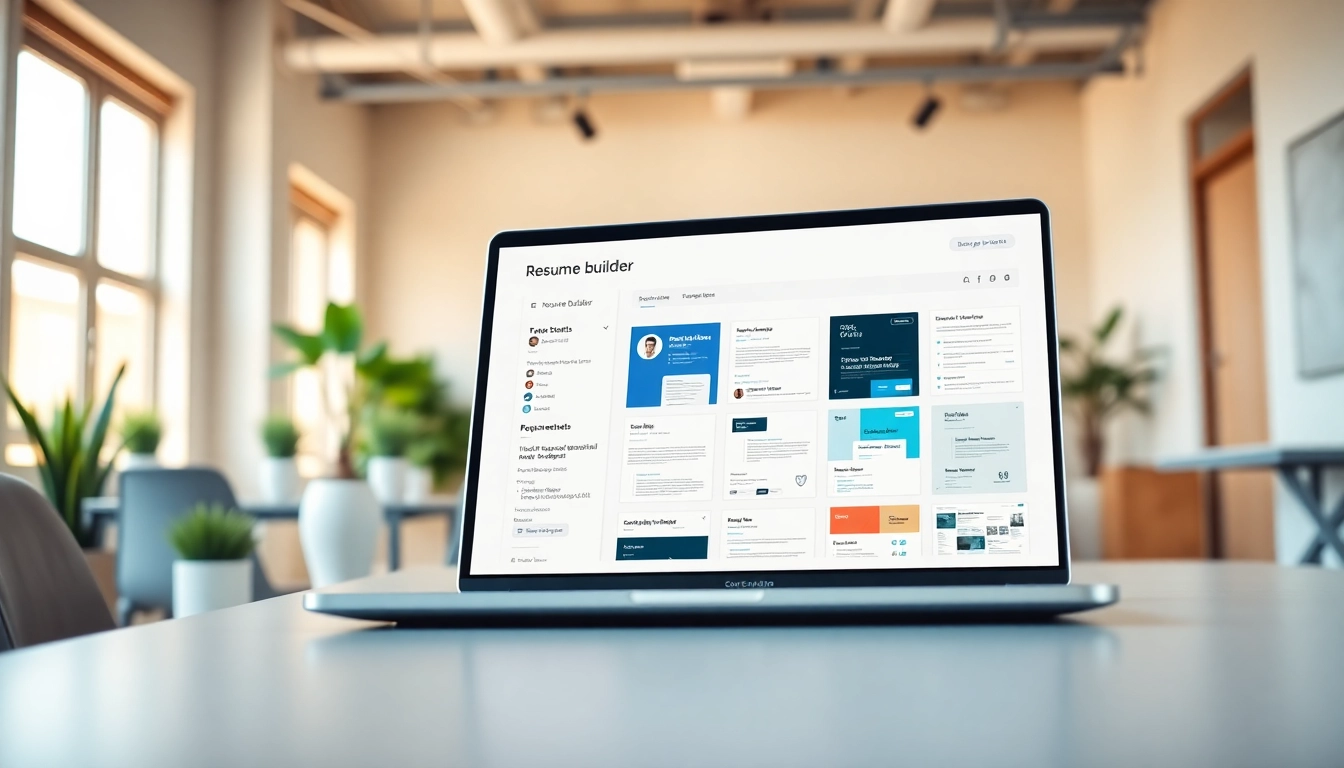
Understanding the Importance of a Resume Builder
Creating a standout resume is a crucial step in the job application process. In a competitive job market, your resume is often your first chance to make an impression on potential employers. Utilizing a Resume Builder can significantly enhance your ability to produce a professional and effective document. This article will explore the value of resume builders, provide comprehensive tips, and guide you through the process of crafting a winning resume.
What is a Resume Builder?
A resume builder is an online platform or software application designed to assist individuals in creating their resumes. These tools typically offer a variety of customizable templates, guiding users to input their information efficiently and effectively. Users can enter personal details, work history, education, and skills into structured fields, allowing for easy formatting and editing.
Why Use a Resume Builder?
Using a resume builder streamlines the resume creation process. It eliminates the blank page fear and provides a structured approach to drafting a resume. Many builders offer templates tailored to various industries, ensuring that you present yourself in the best light possible. Additionally, they often include helpful tips and suggestions for phrasing, aligning your resume with current job market expectations.
Common Features of a Resume Builder
While features can vary, most resume builders include the following:
- Template Selection: A variety of templates designed for different professions and styles.
- Customization Options: The ability to change fonts, colors, and layouts according to personal preferences.
- Content Guidance: Suggestions for what to include in different sections of your resume.
- Export Formats: Functions that allow you to download your resume in multiple formats, such as PDF, DOCX, and text files.
Choosing the Right Resume Builder Tool
Free vs. Paid Resume Builder Options
When selecting a resume builder, it's essential to consider whether you prefer a free or paid option. Free builders often provide basic templates and features, sufficient for many job seekers. However, paid options typically offer access to a broader array of templates, advanced features, and sometimes personalized support. Evaluate your needs and the benefits each option presents before making a choice.
Key Features to Look For
Choosing the right resume builder is crucial for making an impactful document. Look for features such as:
- Customization: Templates that allow tweaks to better fit your style.
- ATS Optimization: Ensure the builder creates resumes that can successfully pass through Applicant Tracking Systems.
- Export Options: The ability to save in various formats for different application platforms.
- User Support: Access to customer support for troubleshooting or advice during the process.
User-Friendly Interfaces
A user-friendly interface is vital, especially for those unfamiliar with resume creation. Navigate platforms that offer clear instructions, intuitive designs, and easily accessible features. If you find a tool challenging to use, it can lead to frustration, detracting from the quality of your resume.
Steps to Create Your Resume with a Resume Builder
Setting Up Your Account
Most resume builders will require you to create an account. This typically involves providing your email address and setting a password. Some builders offer options to sign up via social media accounts, facilitating a faster registration process. A registered account allows you to save your progress and return to your resume at any time.
Selecting a Template
Choosing the right template sets the tone for your resume. Consider selecting one that aligns with the industry you are targeting. For conservative fields like finance or law, a classic template may be best, whereas creative industries might appreciate a more unique layout. Look for templates that highlight your skills and experience prominently.
Customizing Your Content
The customization part is where you add your unique information. Fill in fields for your contact information, work experience, education, skills, and any extra sections relevant to your career, such as certifications or volunteer work. Ensure each entry is clear, concise, and tailored to the position you are applying for.
Best Practices for Using a Resume Builder
Tailoring Your Resume for Different Job Applications
One of the best practices in resume writing is tailoring your resume for each job application. This involves adjusting your work experience and skills sections to better reflect the requirements of the job description. Highlight aspects of your background that align directly with the position to which you are applying.
Incorporating Keywords Effectively
Many companies use Applicant Tracking Systems to screen resumes, making it essential to incorporate relevant keywords from the job posting throughout your document. Keywords typically include specific skills, qualifications, and terms related to the role. Integrating them will boost the chances of your resume being seen by human eyes.
Maintaining Professional Formatting
Formatting can significantly impact the readability of your resume. Stick to standard fonts such as Arial or Times New Roman, limit the use of colors, and keep the font size between 10 and 12 points. Ensure consistent spacing and alignment, allowing for an easily navigable document for hiring managers.
Maximizing the Impact of Your Resume Builder Output
Reviewing and Editing Your Final Document
Once you’ve finished drafting your resume, take time to review it thoroughly. Check for grammar and spelling errors, and ensure all sections are complete and relevant. If possible, ask a friend or mentor for feedback, as a fresh set of eyes can catch mistakes and offer suggestions for improvement.
Exporting Your Resume in Multiple Formats
After finalizing your resume, consider exporting it in various formats. While PDF is the most common choice for job applications, having a Word document version can be beneficial if requested by an employer. Ensure the formatting remains intact across different formats.
Sharing Your Resume with Potential Employers
When it comes to sharing your resume, always follow the application instructions specified by the employer. If submitting online, ensure your document is correctly named and attached. In networking situations, have a digital copy ready to share easily, or print a few copies for in-person meetings.
FAQs
What is a resume builder?
A resume builder is a tool that assists in creating a professional resume using templates and customizable options, streamlining the process of documentation.
Are resume builders free?
Yes, many resume builders offer free options, though premium features and templates may be available for a fee for those needing advanced tools.
How do I choose the best resume builder?
Examine user-friendly interfaces, customization options, and customer support when selecting a resume builder to ensure an efficient resume creation process.
Can I download my resume in different formats?
Most resume builders allow users to export their resumes in various formats like PDF, DOCX, and text files, enabling easy sharing with potential employers.
What should I include in my resume?
Your resume should include contact information, work experience, education, skills, and any certifications or accomplishments relevant to the job you’re applying for.